Easy Bake Oven Recipe Guide for Docker / Containers.
Easy Bake Oven Recipe Guide for Docker / Containers.

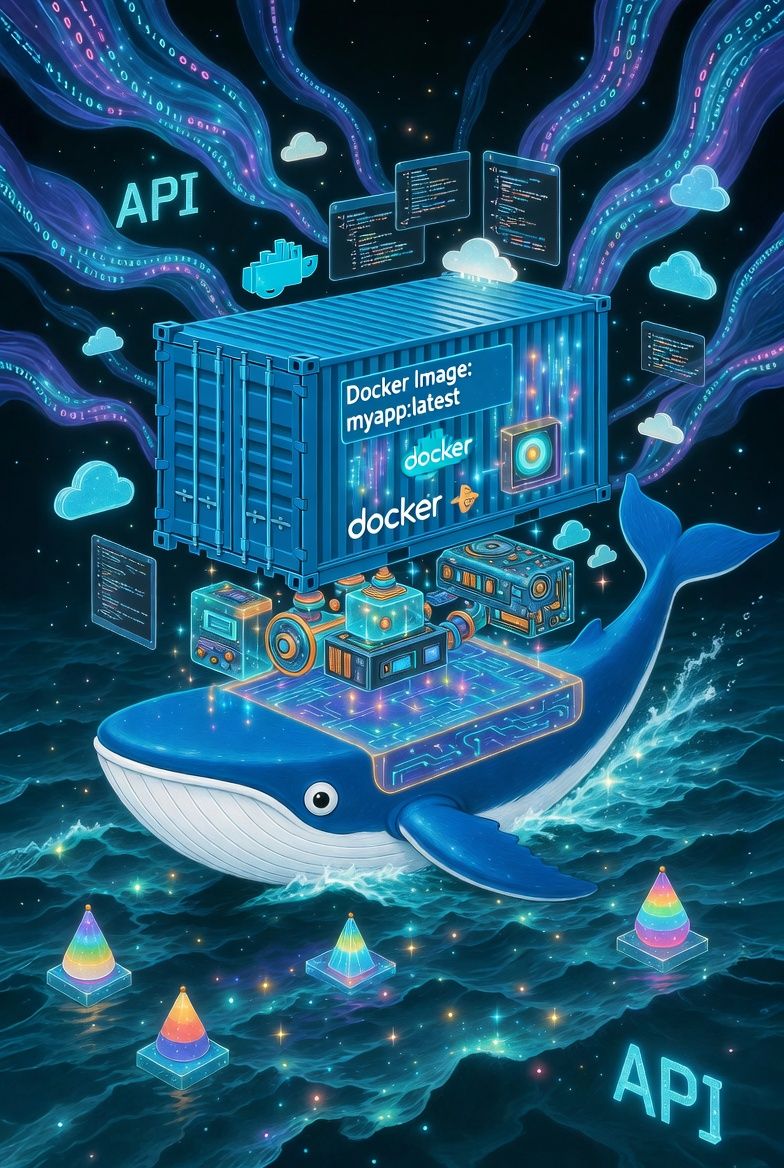
Docker can be confusing. Let's make it super simple.
- Dockerfile defines an 'image' you make an image with literally:
docker build .- The 'image' is activated into its running container. You run it with literally:
docker run <image name>- The container makes it safe from your system, and typically opens a port!
We deliberately oversimplified it on purpose so that it sticks. You must understand that you docker command can create, delete, add images and create, delete, run, stop containers.
- Docker compose is a file that will allow a complex set of bringing up images to containers!
- We pass you back to Grok to explain it some more.
A Brief History of Container Technology and Docker
Container concepts originated in the 1970s with Unix chroot mechanisms, which isolated processes within a filesystem. Modern containerization advanced significantly with Linux Containers (LXC) in 2008, providing lightweight virtualization. Docker, introduced in March 2013 by Solomon Hykes at dotCloud (a Platform-as-a-Service company), transformed the field. It was open-sourced at PyCon 2013, initially relying on LXC before adopting its own libcontainer runtime. By standardizing packaging, shipping, and running applications, Docker achieved rapid global adoption, simplifying deployment across development, testing, and production environments. As of April 2026, Docker Engine remains the industry standard, with version 29.4.0 offering enhanced security, performance, and integration features.
2. A Brief History of Docker Compose
Docker Compose began in 2014 as an open-source tool named Fig, designed to simplify multi-container application management. Docker, Inc. acquired it shortly thereafter and rebranded it as Docker Compose. The original Python-based version (v1) used the docker-compose command and supported compose file versions up to 3.x. In 2020, a rewritten Go-based implementation (v2) was introduced, invoked as docker compose (without the hyphen) for improved performance and native integration. By 2025, it advanced to v5 while maintaining full backward compatibility with earlier file formats. Today, Docker Compose enjoys near-universal popularity for orchestrating complex, multi-service applications with a single configuration file.
3. Installing Docker on Linux
Docker Engine comprises the core runtime, CLI, and supporting components. Installation is straightforward via official repositories.
For Ubuntu/Debian-Based Distributions
- Update the package index and install prerequisites:
sudo apt update
sudo apt install ca-certificates curl
- Create the keyring directory and add Docker’s official GPG key:
sudo install -m 0755 -d /etc/apt/keyrings
sudo curl -fsSL https://download.docker.com/linux/ubuntu/gpg -o /etc/apt/keyrings/docker.asc
sudo chmod a+r /etc/apt/keyrings/docker.asc
- Add the Docker repository:
echo "deb [arch=$(dpkg --print-architecture) signed-by=/etc/apt/keyrings/docker.asc] https://download.docker.com/linux/ubuntu $(. /etc/os-release && echo "$VERSION_CODENAME") stable" | sudo tee /etc/apt/sources.list.d/docker.list > /dev/null
- Install Docker packages:
sudo apt update
sudo apt install docker-ce docker-ce-cli containerd.io docker-buildx-plugin docker-compose-plugin
- Enable and start the Docker service:
sudo systemctl enable --now docker
- Add your user to the docker group for non-root access (log out and back in afterward):
sudo usermod -aG docker $USER
newgrp docker
For Fedora
Use the following equivalent commands with dnf:
sudo dnf -y install dnf-plugins-core
sudo dnf config-manager --add-repo https://download.docker.com/linux/fedora/docker-ce.repo
sudo dnf install docker-ce docker-ce-cli containerd.io docker-buildx-plugin docker-compose-plugin
sudo systemctl enable --now docker
sudo usermod -aG docker $USER
newgrp docker
Verification
Run docker --version to confirm installation (expected output includes version 29.x). Test with docker run hello-world.
4. Understanding Docker Images and Containers
- Docker Images: These are lightweight, read-only templates that contain everything needed to run an application—code, runtime, libraries, and dependencies. Images are built from a
Dockerfileand stored locally or in registries such as Docker Hub. They serve as immutable blueprints. - Docker Containers: A container is a runnable instance of an image. It isolates the application while sharing the host kernel, ensuring consistency across environments without the overhead of full virtual machines.
The distinction is fundamental: an image is the packaged application; a container is its executing form. This architecture, refined since Docker’s 2013 launch, enables portability and scalability.
5. Working with Images and Containers: Essential Commands
- Pull an image:
docker pull nginx:alpine - Build an image from a Dockerfile:
docker build -t myapp . - Run a container:
docker run -d --name mycontainer -p 8080:80 myapp - List containers:
docker ps - Stop and remove:
docker stop mycontainer && docker rm mycontainer - List images:
docker images
6. Integrating Python’s requirements.txt in Docker
For Python projects, requirements.txt (generated via pip freeze > requirements.txt) lists dependencies with pinned versions for reproducibility.
Best-Practice Dockerfile Example
FROM python:3.12-slim

WORKDIR /app

# Copy requirements first for layer caching
COPY requirements.txt .
RUN pip install --no-cache-dir -r requirements.txt

COPY . .

CMD ["python", "app.py"]
This approach minimizes rebuild times when only code changes occur. Use multi-stage builds for production to reduce final image size.
7. Docker Compose: Installation and Usage
Docker Compose is included as a plugin during Docker installation (via docker-compose-plugin).
Verificationdocker compose version (should display v2.x or v5.x).
Basic Usage
Create a compose.yaml file:
services:
  web:
    build: .
    ports:
      - "8000:8000"
    volumes:
      - .:/app
  db:
    image: postgres:16
    environment:
      POSTGRES_PASSWORD: example
Run with:docker compose up -d
Stop with: docker compose down
Compose excels at managing interconnected services, networks, and volumes declaratively.
Additional Recommendations
- Create a
.dockerignorefile to exclude unnecessary files from builds. - Use specific image tags (avoid
latestin production). - Enable Docker Buildx for advanced features.
- For development, mount volumes to reflect code changes instantly.
This configuration establishes a professional, reproducible environment suitable for any project scale. Should you require assistance with a specific application, multi-stage builds, or security hardening, please provide additional details for further guidance.